Martinelli Ginetto E-shop is only open to businesses; for EU community we demand a valid VAT number in order to create an account, access the product catalog and be able to purchase the fabrics from the I Pronti collection, with no minimum order, 24/7 .
To create an account, you must fill in the required data at https://shop.martinelliginetto.it/en/customer/account/create/
Once you have entered all the required data, and set the login credentials (e-mail address and password), to validate the request click on the SUBMIT button at the bottom of the page. If the mandatory fields are not filled in, or if the automatic check detects compilation errors, the request must be corrected, otherwise it will not be submitted for approval.
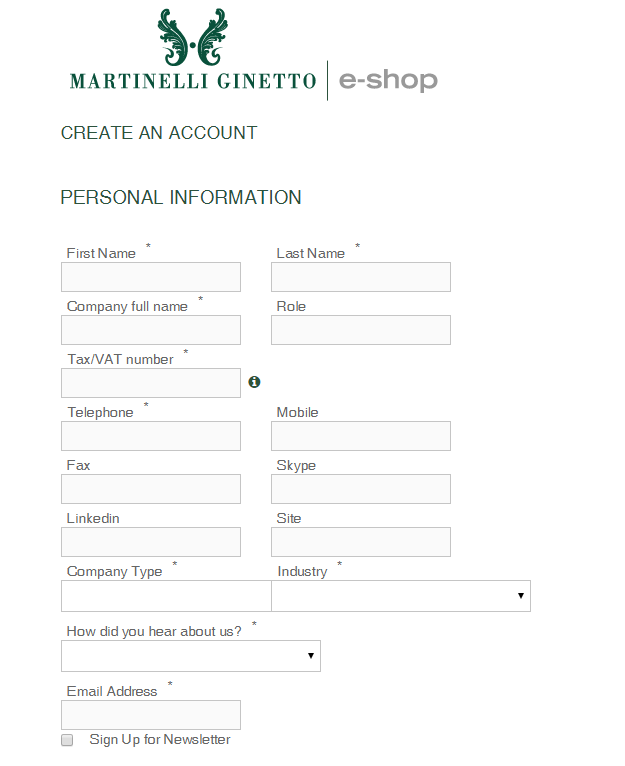
TAX / VAT NUMBER
Please enter your company's VAT number without leaving spaces and without the country code at the beginning. VAT Number control is active only for EU companies.
EMAIL PEC
If you see this field, it means you are on the page dedicated to Italian customers. Because this field is only mandatory for Italian businesses, please switch to the pahe in English.
CODICE SDI
If you see this field, it means you are on the page dedicated to Italian customers. Because this field is only mandatory for Italian businesses, please switch to the pahe in English.
EMAIL ADDRESS
Please enter a valid Email address; all communications concerning the orders will be sent to this address, such as order confirmation or shipment notification of the order with the tracking number. It could be used by the operator to contact you for issues concerning the E-Shop. By checking the box "Sign up for Newsletter", you will receive periodic offers and specific news about the E-Shop. You may receive temporary promotions or discount codes for particular occasions thar are reserved only for customers who place their orders online.
The coupons are not valid for orders sent to the sales office.
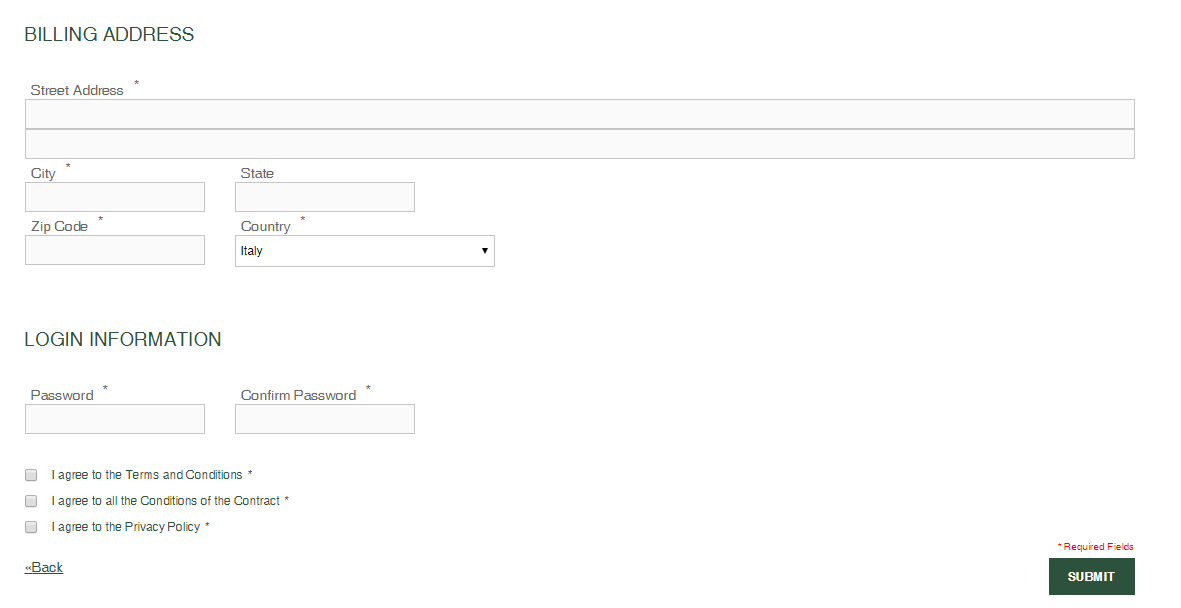
BILLING ADDRESS
You must fill-in this section with the address valid for billing for your company. For shipping, you will be able to select multiple destinations during check-out or from your Address Book.
PASSWORD
The password you set will allow you to access your account, this password is secred and only you will have access to it, even E-Shop administrators will not be allowed to see it.
In case you forget or loose it or forget it, you can recover it through the Forgot Password function.